What shipped: the "Take notes for me" feature that already handles virtual Meet calls now works for in-person conversations. Open the Meet app, tap Take Notes for Me, set the device nearby, and Gemini listens through the microphone the same way it would listen to a call.
Rollout dates: Android from 11 August 2026, web from 14 August at the earliest, iOS from 31 August at the earliest — Google calls all three an "extended rollout," which can run past 15 days, and gives no completion date.
Who gets it: Workspace Business Standard/Plus, Enterprise Standard/Plus and Frontline Plus, plus consumer Google AI Pro and Ultra, plus Google AI Pro for Education. No extra charge on top of those plans.
The gap: virtual Meet calls show every participant a pencil icon confirming notes are being taken. Google's own documentation describes no equivalent for a person standing in a room with no screen to show it on.
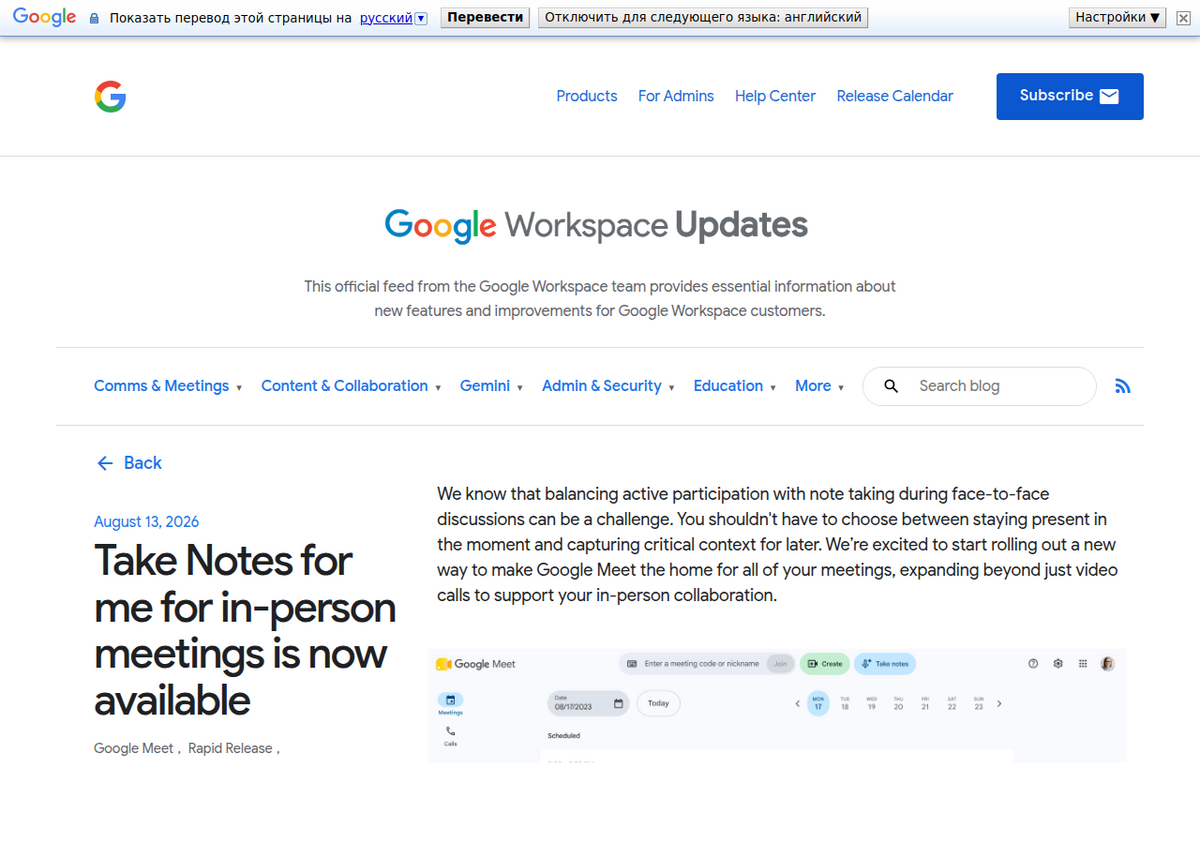
What actually shipped
Google previewed this at Cloud Next in April 2026 and has now shipped it. The flow, from the Meet app on Android or iOS: tap Take Notes for Me, tap Start taking notes, and set the phone or laptop down near the conversation. Google's own framing for this is a direct comparison to the Pixel Recorder app — a device left on a table, listening, rather than a bot joining a call. You can pause and resume, or stop outright, at any point.
When you stop, the same pipeline that handles virtual meetings takes over: a structured notes summary, a list of action items, and a complete transcript, compiled into a Google Doc.
Where the notes actually end up
The Doc saves to Google Drive, in a Meet folder belonging to whoever started the recording, and Google emails that person the link. There's no calendar event to attach it to for an ad hoc in-person conversation, which is the detail most likely to trip people up: if you go looking for the Doc in your usual meeting-notes folder and it isn't there, check the dedicated Meet folder in Drive first.
Two practical limits worth knowing before you rely on this for something that matters. Language support is capped at eight — English, French, German, Italian, Japanese, Korean, Portuguese and Spanish — and only one at a time; a bilingual conversation isn't handled. And Google's own guidance recommends the feature for meetings between 15 minutes and 8 hours; shorter conversations risk an incomplete or empty summary.
The question nobody's answering yet: consent
For a virtual Meet call, Google's documentation is specific about consent. An administrator can require every participant to explicitly agree before "Take notes for me," Record or Transcribe can run, and even when that's off, every participant's screen shows a pencil icon the moment notes start, so everyone on the call knows.
Neither Google's general help documentation nor the page specific to in-person notes describes an equivalent for a physical room. There's no screen in front of a colleague sitting across a conference table, so there's nothing to put a pencil icon on. The practical consequence: the only notice a bystander gets is whatever the person who started the recording chooses to say out loud.
This isn't a hypothetical concern. Thirteen U.S. states, including California, Illinois, Florida, Pennsylvania and Massachusetts, require all-party consent before a conversation can be recorded, and the industry is already mid-lawsuit over exactly this question for AI notetakers. *In re Otter.AI Privacy Litigation*, a consolidated federal class action alleging Otter's bot recorded calls without every participant's consent, had its motion-to-dismiss argument heard on 20 May 2026; as of this writing the court hasn't ruled, so no judge has yet decided whether wiretap statutes written decades before AI notetakers existed apply to one. That case is about virtual calls, where at least a bot visibly joins. An ambient recording of a room with no visible indicator at all raises the same category of question with even less to point to as notice.
None of this means don't use the feature. It means say out loud that you're recording before you start it, check your state's consent rules if the meeting includes anyone outside your own team, and don't reach for it in a one-on-one performance conversation, a client negotiation, or anything you wouldn't want transcribed verbatim and emailed to a Drive folder.
What breaks in the first week
Google's own Meet support forum already carries a recognizable pattern of complaints about the virtual version of this feature, and the in-person rollout inherits the same failure modes because it's the same underlying engine:
- "Feature missing despite an eligible plan." The single most common thread. "Take notes for me" is usually off at the admin level, not broken — a Workspace admin has to enable it for the organizational unit before it appears for anyone in it. If you don't see the option and you're on Google AI Pro or Ultra personally, check whether your account is actually a personal one or a Workspace-managed one your employer controls.
- "Notes generated, but I can't find them." Usually the Drive Meet folder, not the general Drive search, and usually the initiator's Drive rather than every participant's.
- No auto-start. You have to open the feature and tap Start every time; there's no setting to make it begin automatically when a meeting invite starts, which several threads ask for.
The step Gemini Notebook has always assumed already happened
It's worth being precise about how this relates to Gemini Notebook, because the two tools solve different halves of the same problem and this news makes the seam between them disappear.
Gemini Notebook has never listened to anything live. Our guide to using it for meetings starts from a transcript that already exists — you record the conversation some other way, get a transcript, and paste or upload it as a source. From there Notebook is genuinely good at the second half of the job: holding many meetings in one notebook, answering questions across all of them at once, generating an Audio Overview of a briefing you missed, and building a running record that gets more useful the longer you keep it.
What Google shipped this week is the first half — the capture step Notebook always assumed you'd already handled, now built into Meet with no separate recorder and no manual transcription. The practical workflow: let Meet's in-person notes produce the Doc, then bring that Doc into your running Meetings notebook as a source the same way you'd add any other file. Meet gives you one meeting's transcript and summary. Notebook is what turns ten of those, spread across a quarter, into a searchable record you can ask questions of.
The context worth knowing
Google is not only building this out — it's also making room for it. Since late March 2026, Meet has flagged third-party notetaker bots like Otter, Fireflies and Fathom with a "potential risk" label in the waiting room and defaults to denying them entry; a host has to manually admit each one, every time. Google's stated reason is security and compliance, and it lines up with the same wave of lawsuits against Otter. Whatever the merits of that policy, the effect is that Google is simultaneously making its own competitors to this feature harder to use inside a Meet call.
People also ask
Does Google Meet's in-person note-taking cost extra?
No published extra charge. It's included for Workspace Business Standard/Plus, Enterprise Standard/Plus and Frontline Plus, and for consumer Google AI Pro, Ultra and Pro for Education — you need one of those plans already, but there's no separate fee on top.
Is it legal to record an in-person meeting with this feature?
It depends on where you are and who's in the room. Thirteen U.S. states require every participant's consent before a conversation can be recorded. Google's documentation describes an on-screen consent notice for virtual Meet calls but no equivalent mechanism for an in-person conversation with no screen present, so the burden falls on you to say out loud that you're recording.
How is this different from Gemini Notebook's meeting features?
Meet's feature listens live through a device microphone and produces the transcript itself. Gemini Notebook never listens live — it works from a transcript you already have, uploaded or pasted as a source, and its strength is synthesizing across many meetings at once rather than capturing any single one.
What languages does in-person note-taking support?
Eight: English, French, German, Italian, Japanese, Korean, Portuguese and Spanish, one language per session. A meeting that switches between two languages isn't handled correctly.
Where do the notes get saved?
To a Google Doc in a dedicated "Meet" folder in Google Drive, belonging to whoever started the recording, with the link emailed to them. There's no calendar event to attach it to for an ad hoc in-person session, which is where people usually lose track of it.
When is it fully available?
Google has given start dates, not completion dates: Android from 11 August 2026, web no sooner than 14 August, iOS no sooner than 31 August, each described as an "extended rollout" that Google says can run past 15 days. If you're on an eligible plan and don't see it yet, it likely hasn't reached your account or organization.