Whiteboard
स्लाइड्स, वीडियो और इन्फोग्राफिक्सयहाँ जाता है: स्लाइड्स / इन्फोग्राफिक
A clean look resembling markers on a glossy whiteboard. Best for internal team briefings, "live" brainstorming sessions, and agile project updates.
शेयर किया Mark Carver — Visual Style Guide for NotebookLM Presentations — असली हकदार को क्रेडिट।
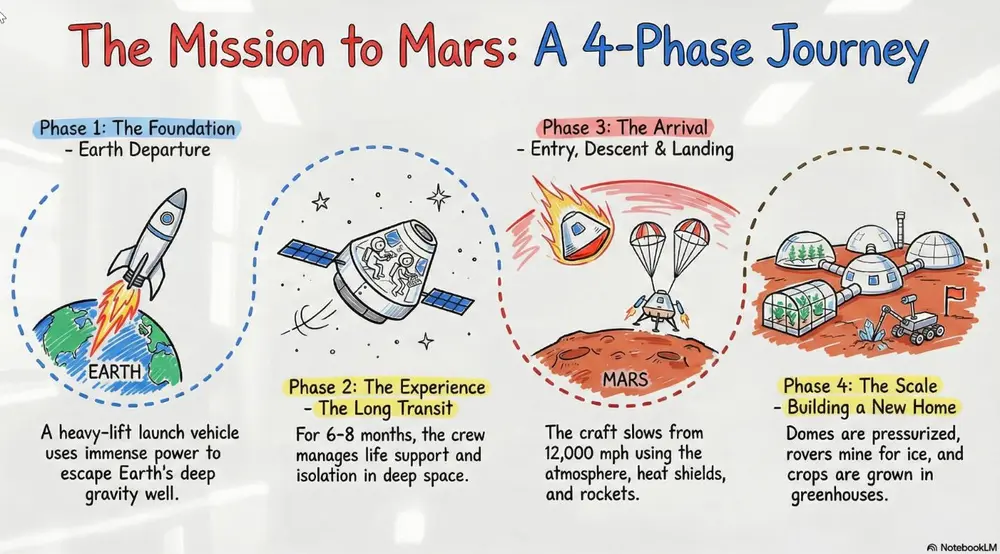
A clean, glossy whiteboard aesthetic featuring hand-drawn marker lines with slight 'ink-pooling' at the ends of strokes. Use basic primary marker colors (red, blue, black) on a bright white reflective background. Include faint ghosting marks from previously 'erased' content to give it a lived-in, brainstorming feel.
इसे कैसे इस्तेमाल करें
- 1Studio पैनल में, स्लाइड्स या इन्फोग्राफिक चुनें और उसका प्रॉम्प्ट बॉक्स खोलें।
- 2स्टाइल स्पेसिफिकेशन पेस्ट करें।
- 3Generate करें, फिर अगर आउटपुट भटक जाए तो शब्दों में बदलाव करते रहें।
स्क्वेयर ब्रैकेट्स उन हिस्सों को दिखाते हैं जिन्हें आपको अपने टॉपिक या सवाल से बदलना है।
और स्लाइड्स, वीडियो और इन्फोग्राफिक्स प्रॉम्प्ट्स
- ChalkboardWhite "chalk" lines on a dark slate background with textured shading. Best for academic lectures, physics/math proofs, and historical retrospectives.
- Sketch NotingHand-drawn icons and connectors with a classic "visual note-taking" feel. Best for executive summaries, workshop synthesis, and human-centric storytelling.
- Graphite & Charcoal RealismA fine-art style using monochromatic hand-drawn textures, cross- hatching, and realistic smudging. Best for high-stakes ethical discussions, historical reflections, or "Day in the Life" human-centric storytelling.
- ClaymationA textured, stop-motion look that appears sculpted from clay. Best for friendly explainer videos, creative workshops, internal team-building announcements, and student-facing content.