Claude for Excel is an add-in sidebar (Pro, Max, Team, or Enterprise Claude plans, not Free) that reads, analyzes, and edits your open workbook: it updates cells while preserving formula relationships, builds pivot tables, and explains its reasoning with cell-level citations. It does not touch macros or VBA, and it has no built-in code-execution sandbox.
Copilot in Excel (Microsoft 365 subscription, Copilot add-on) does similar chat-driven editing directly in the grid, plus a genuinely separate feature, Python in Excel, that runs real pandas/scikit-learn code in a Microsoft-hosted sandbox for analysis formulas can't do. That code-execution layer is Copilot's real technical edge.
Don't confuse either with Anthropic's Microsoft 365 connector (a different product that reads and, since July 2026, writes Outlook/SharePoint/OneDrive), or with Claude models also being available as a backend choice *inside* Microsoft's own Copilot via Microsoft Foundry. Three separate integrations share a family resemblance; this article is about the two Excel-editing tools specifically.
Neither is trustworthy unsupervised on high-stakes numbers. A disclosed prompt-injection flaw in Claude for Excel, and Microsoft's own decision to retire its limited-preview =COPILOT() worksheet function on 14 September 2026 without it ever reaching general availability, both make the case for reviewing every output before it leaves the sheet.
Three things share the "Claude + Excel" name, and they aren't the same
Search around this topic and you'll run into three distinct Anthropic-Microsoft integrations, easy to conflate because they all launched within about nine months of each other. Claude for Excel is the one this article is mostly about: a sidebar add-in, part of a family that also covers Word and PowerPoint (Outlook is still in beta), that operates directly on the spreadsheet you have open. Separately, Anthropic's Microsoft 365 connector lets Claude.ai, Claude Code, and the API read your Outlook, SharePoint, OneDrive, and Teams data, and, since 7 July 2026, write to it too, drafting and sending email, managing calendar events, and creating or editing files in OneDrive and SharePoint. It is not Excel-specific and it is not the Excel add-in. And since 18 November 2025, Claude models are available inside Microsoft's own Copilot as a backend option via Microsoft Foundry, meaning Copilot's Researcher agent can run on Claude even though the product you're using is still branded Copilot. If a comparison you read doesn't specify which of these three it means, it's worth being skeptical of the rest of its claims.
What Claude for Excel actually does
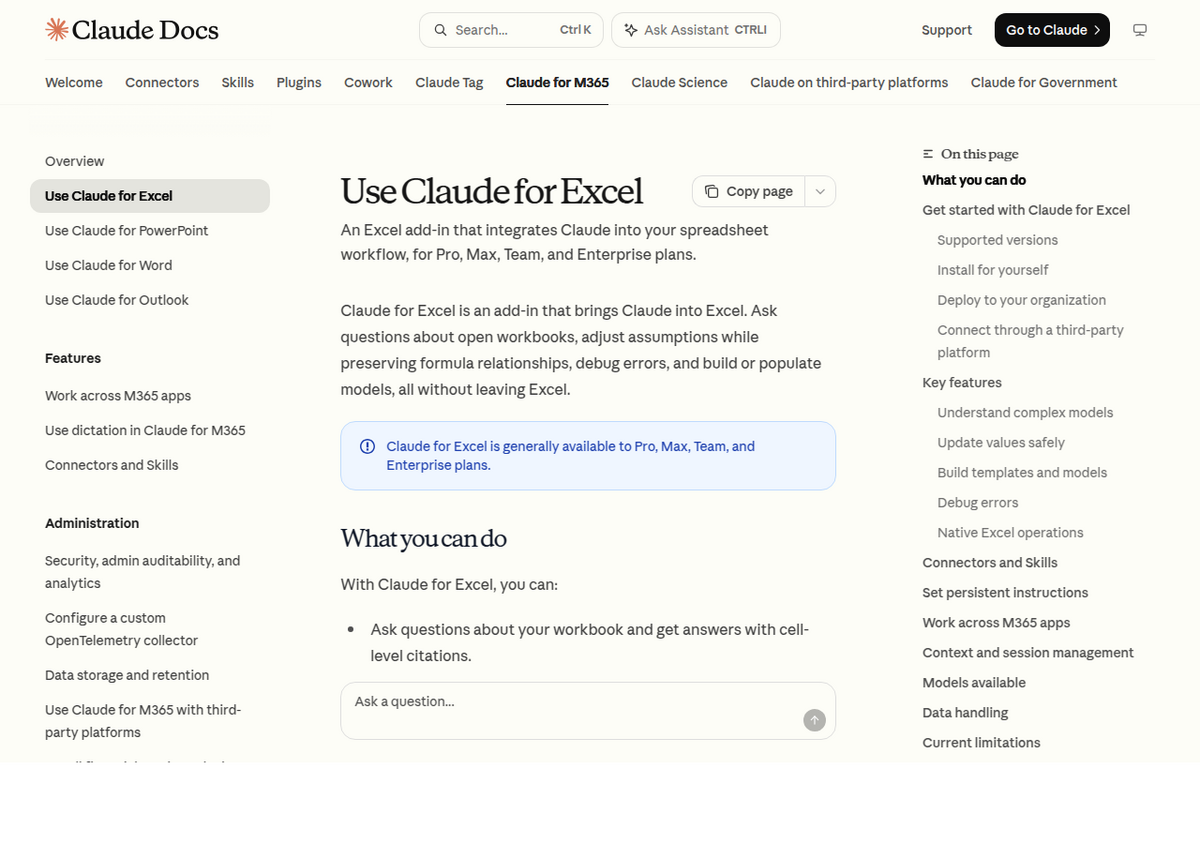
Claude for Excel launched as a research preview on 28 October 2025, gated first to a 1,000-user Max/Team/Enterprise feedback cohort, then expanded to Pro subscribers in early 2026, and reached general availability on 7 May 2026 across Pro, Max, Team, and Enterprise plans, on both Windows and Mac. The Free plan is excluded. Per Anthropic's own documentation: "Ask questions about open workbooks, adjust assumptions while preserving formula relationships, debug errors, and build or populate models, all without leaving Excel." Confirmed native operations: sorting, filtering, editing pivot tables, applying conditional formatting, creating data-validation dropdowns, and updating cell values so that downstream formulas recompute correctly. It pulls in external context through named connectors including S&P Global, LSEG, and Daloopa, and applies reusable one-click "Skills" for repeated workflows.
What it explicitly doesn't do: Anthropic's docs list Data tables and macros/VBA operations as unsupported. There's no documented code-execution layer inside the add-in itself, no equivalent to writing and running actual Python against your data; a comparison from ninetwothree.co states it plainly: "Claude doesn't have a native [Python-in-Excel] equivalent here, though workarounds exist via Claude Code and xlwings." Worth separating from a different Claude capability: Claude.ai's general file-creation feature *can* generate a new spreadsheet via code execution (something like openpyxl under the hood), but that's a different product surface from the Excel add-in editing your live, already-open file.
What Copilot in Excel actually does
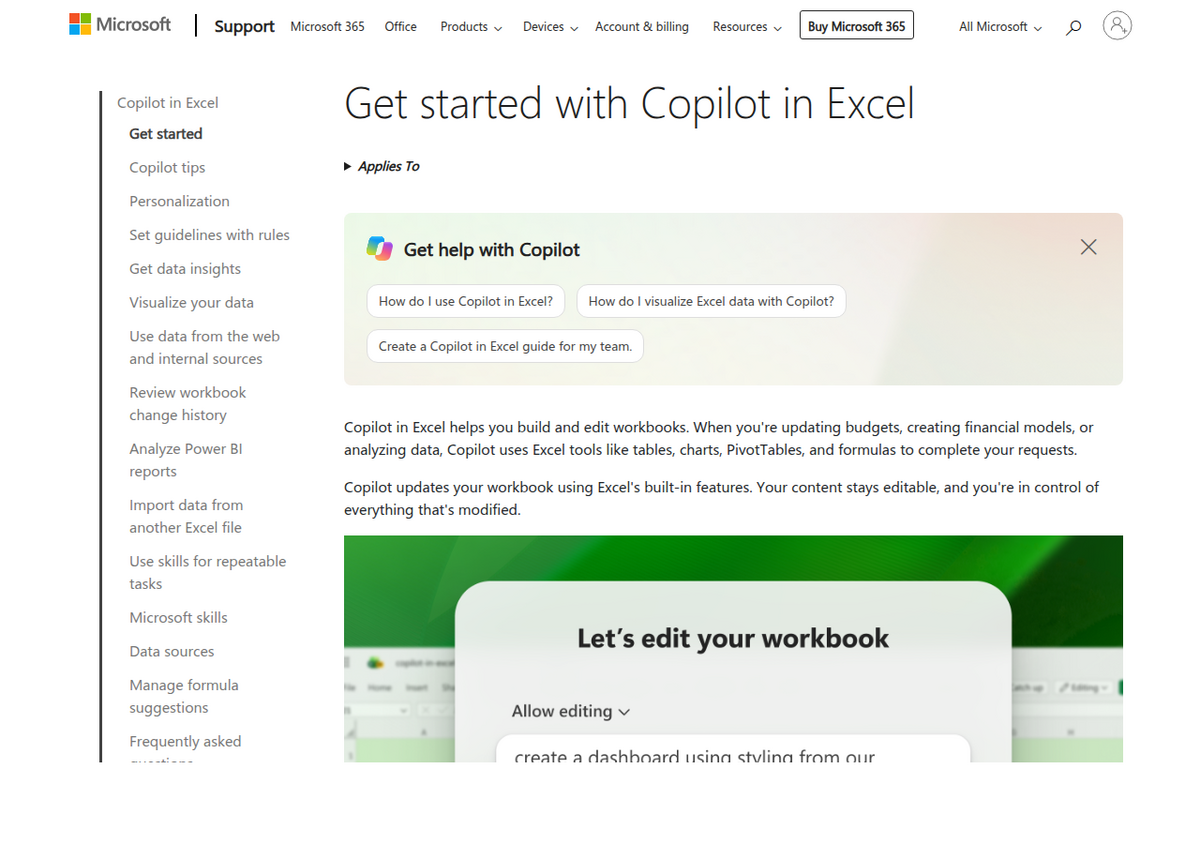
Per Microsoft's own support documentation, Copilot in Excel can "generate data based on your prompts, perform calculations and apply formulas across multiple sheets, and summarize data," create and edit charts and PivotTables with links back to source data, and answer questions about your data with charts, summaries, trends, or outliers. It writes directly into the live grid: type =, invoke the formula composer, and Copilot shows a live in-cell preview referencing real ranges before you "Keep it" or "Discard." One real constraint: the file needs to be saved to OneDrive or SharePoint with AutoSave on; it doesn't work on a purely local file the way Claude for Excel does.
The feature that actually sets Copilot apart is Python in Excel, a distinct, separately documented capability: describe an analysis in plain language and Copilot generates and runs real Python (via the Anaconda Distribution, pandas, Matplotlib, scikit-learn) in a Microsoft-hosted, isolated sandbox with no local file-system or network access, landing the results on a new sheet. Per Microsoft's licensing FAQ, standard Python-in-Excel compute is included with any Microsoft 365 subscription that has desktop app access; a paid add-on at $24/user/month (or $240/year) unlocks faster "premium" compute and more flexible recalculation modes. It's not available on Office 365 Education, Office 365 Government, or shared-computer-activated installs.
A third Copilot surface is worth knowing about mainly so you don't go looking for it: the =COPILOT() worksheet function, an AI text-generation function usable inside a single cell. It never reached general availability, staying limited to Frontier and Insider preview builds, and Microsoft announced on 17 August 2026 that it's retiring the function entirely on 14 September 2026 rather than shipping it broadly. Microsoft's own guidance while it was live warned against using it for "any task requiring accuracy or reproducibility," specifically flagging financial reporting and legal documents, because it could return confident, wrong answers with no error indicator. Microsoft says the same capabilities (summarizing, classifying, generating content, pulling in web results) remain available through the Copilot side pane and the newer Dynamic Action Button, which is the supported path going forward.
The real technical fork: does it actually run code?
Both tools edit your live, open workbook for their core assistant experience, so "generates a new file" versus "edits live" isn't the real split, despite how it's sometimes framed. The genuine architectural difference is that Copilot has a separately branded, sandboxed Python execution mode bolted onto its native grid editing, while Claude for Excel relies on native Excel operations plus the model's own reasoning, with no arbitrary code-execution layer documented inside that add-in. If your task is genuinely statistical, forecasting, clustering, a real regression, something a spreadsheet formula can't express, Copilot's Python mode has a documented path to it that Claude for Excel currently doesn't. If your task is understanding, cleaning, and correctly editing a complex, already-built financial model without breaking its formula logic, that's closer to where the head-to-head testing below found Claude ahead.
Pricing, side by side
Claude side                                  Microsoft side
------------------------------------------   ------------------------------------------
Pro: $20/mo, or ~$17/mo billed annually       Microsoft 365 Premium (individual):
Max: from $100/mo (higher tiers unconfirmed    ~$19.99/mo, replaces the retired
  at exact price)                              standalone Copilot Pro (support for
Team: $20/seat/mo standard,                    Copilot Pro ended 1 Aug 2026)
  $100/seat/mo premium (annual;
  some sources report up to $25/$125)
Enterprise: seat price + API-rate usage,      Microsoft 365 Copilot Business add-on:
  custom/sales-negotiated                      ~$18-21/user/mo (promotional pricing
                                                through 31 Dec 2026 as of this research
                                                pass), requires an
Claude for Excel and the Microsoft 365         existing eligible M365 Business plan
connector both ride on the base plan           Enterprise (E3/E5) add-on: commonly
price above - no separate per-seat fee.        reported around $30/user/mo, not
                                                independently confirmed on Microsoft's
                                                own pricing page in this research pass

Claude for Excel requires Pro/Max/Team/Enterprise (no Free access).
The Microsoft 365 connector, unlike the Excel add-in, is available even
on Claude's Free plan - but only if your Microsoft account is a business
Entra tenant, not a personal @outlook.com/@hotmail.com login.
Verified against Anthropic's and Microsoft's own pricing pages, August 2026.
Real-world accuracy: what happened when people actually tested both
Neither Microsoft's nor Anthropic's connector is fully public: Claude for Excel remains an early-access feature gated behind a waitlist and Team/Enterprise plans, and this comparison relies on Anthropic's and Microsoft's own documentation plus named independent testers who did get access, rather than our own hands-on run of either. Independent hands-on tests paint a more useful picture than either company's own marketing. Finance writer Mike Dion ran a coffee-shop revenue forecasting task through ChatGPT, Claude, and Copilot side by side. Claude came out ahead, roughly 90% usable on the first pass, correctly separating rate and volume effects in the scenario analysis and producing a clean, presentable assumptions tab. Copilot landed around 60-70% usable, defaulting to a basic FORECAST.LINEAR formula that Dion notes "is not how a finance team builds a forecast model." ChatGPT did worst of the three, dropping a cost line entirely and producing scenario margins that swung from near zero to over 100%, output he judged unfit to present to leadership regardless of formatting.
That's one test, and other accounts are more mixed. Data analyst Olga Berezovsky's hands-on review, explicitly written from "slightly closer to the skeptical side," praised Claude for Excel's conversational model navigation, error debugging, and multi-tab workbook comprehension, but said she would not trust it unsupervised with a financial model, a KPI scorecard, or anything where the logic depends on precise definitions, describing it as "too willing to overcomplicate formulas" and "too inconsistent on multi-step requests." Copilot has its own documented frustration: one reviewer's session repeatedly hit "I can't identify the structure of the data range" and watched Copilot refuse to actually build a requested chart. The pattern across every independent account: both tools are genuinely useful for exploration and first drafts, and neither has yet earned unsupervised trust on numbers that matter.
A disclosed security flaw worth knowing about: CellShock
In November 2025, security researcher PromptArmor disclosed an attack against Claude for Excel it named CellShock: instructions hidden in a spreadsheet as blue text on a blue background, invisible to a human reader, embedded in an externally sourced dataset like an industry benchmark file. When a user later asked Claude to build a visualization from that data, the hidden instructions manipulated it into gathering confidential figures from elsewhere in the workbook, appending them to a URL, and inserting an IMAGE() formula that leaked the data to an attacker's server the moment Excel rendered it. Anthropic's response was a confirmation warning that now appears before Claude inserts formulas that make external requests (WEBSERVICE, IMPORTDATA, INDIRECT, and similar functions), and a claim that newer models are more resistant to this style of injection. PromptArmor reported the warning doesn't always trigger, and that the exfiltrated data itself could be hidden inside invisible Unicode characters within the warning text. There's been no CVE and no formal security advisory declaring the issue closed. This isn't a reason to avoid Claude for Excel outright, but it is a concrete reason not to feed it a dataset from an untrusted external source without reviewing what's actually in those cells first, and it's the kind of specific, dated risk that a generic "AI can make mistakes" disclaimer doesn't cover.
So which one should you actually use
If your work is genuinely computational, forecasting models, statistics, machine learning on a dataset, Copilot's Python-in-Excel sandbox has a real, documented capability Claude for Excel doesn't currently offer, and it's included with any Microsoft 365 subscription rather than a separate Claude purchase if you're already paying for Office. If your work is understanding and correctly editing an existing, complex financial model without breaking its logic, the independent testing above points toward Claude for Excel as the stronger reasoner, provided you're already paying for a Pro/Max/Team/Enterprise Claude plan and you review anything before it goes anywhere that matters. Either way, treat both the same way their own vendors' documentation tells you to: not for a final client deliverable, an audit-critical calculation, or a workbook holding regulated data, without a human checking the output first. For general document workflows outside Excel specifically, our research-paper tool roundup covers source-grounded options like Gemini Notebook that take a different approach entirely: citing every claim back to a source rather than editing a live spreadsheet.
People also ask
Is Claude for Excel the same as Anthropic's Microsoft 365 connector?
No. Claude for Excel is a dedicated add-in that edits your open workbook. The Microsoft 365 connector is a separate tool, available in Claude.ai/Claude Code, that reads and (since 7 July 2026) writes Outlook, SharePoint, OneDrive, and Teams data. They're both part of Anthropic's Microsoft partnership but are different products with different plan requirements.
Does Claude for Excel work on the Free plan?
No. It requires Pro, Max, Team, or Enterprise. The separate Microsoft 365 connector is available even on Claude's Free plan, but only if the connected Microsoft account is a business Entra tenant, not a personal Outlook.com login.
Can Copilot in Excel run real code, like Python?
Yes, through a distinct feature called Python in Excel, which runs actual pandas/scikit-learn code in a Microsoft-hosted sandbox. It's included with any Microsoft 365 subscription that has desktop app access; a paid add-on at $24/user/month (or $240/year) unlocks faster compute.
Can Claude for Excel run Python or other code?
Not inside the Excel add-in itself. Anthropic's own documentation lists no code-execution layer for Claude for Excel; workarounds exist through separate tools like Claude Code, but that's outside the add-in's native capability.
Is it safe to use either tool on sensitive financial data?
Use caution with both. Anthropic's own docs advise against Claude for Excel for audit-critical calculations or highly sensitive/regulated data without controls, and a disclosed prompt-injection flaw (CellShock, November 2025) showed it could be manipulated into leaking data from externally sourced spreadsheet content. Microsoft separately warned against its own =COPILOT() worksheet function for any accuracy-critical task before retiring the function entirely on 14 September 2026.
Which is more accurate for building a financial model?
In the one detailed independent head-to-head test found for this article, Claude outperformed Copilot and ChatGPT on a forecasting task, but other hands-on reviewers report inconsistent results and explicitly don't trust either tool unsupervised on numbers that matter. Treat any AI-generated model as a draft that needs verification, not a finished output.