Glass-morphic UI
Slides, video & infographicsGoes in: Slides / infographic
Focuses on frosted glass transparency and multi-layered depth with a vibrant glowing background. Best for fintech platforms, premium SaaS launches, and high-level visionary growth.
Shared by Mark Carver — Visual Style Guide for NotebookLM Presentations — credit where it's due.
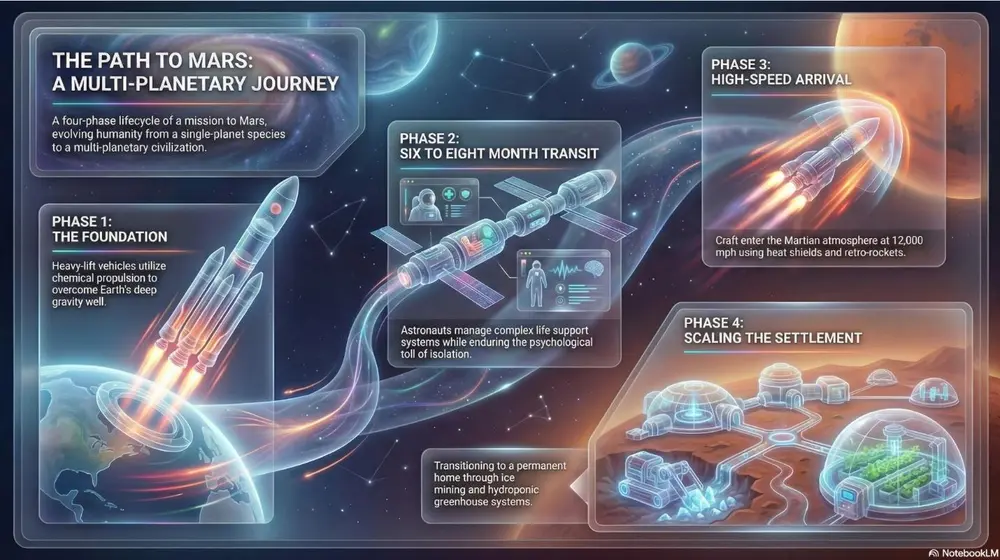
A premium glass-morphic UI style with multi-layered frosted glass panels and a soft ambient glow. Use crisp white typography and thin, vibrant neon accent lines for a sophisticated fintech or high-level visionary tech feel.
How to use it
- 1In the Studio panel, pick slides or infographic and open its prompt box.
- 2Paste the style specification.
- 3Generate, then iterate on the wording if the output drifts.
Square brackets mark the parts you replace with your own topic or question.
More slides, video & infographics prompts
- ChalkboardWhite "chalk" lines on a dark slate background with textured shading. Best for academic lectures, physics/math proofs, and historical retrospectives.
- WhiteboardA clean look resembling markers on a glossy whiteboard. Best for internal team briefings, "live" brainstorming sessions, and agile project updates.
- Sketch NotingHand-drawn icons and connectors with a classic "visual note-taking" feel. Best for executive summaries, workshop synthesis, and human-centric storytelling.
- Graphite & Charcoal RealismA fine-art style using monochromatic hand-drawn textures, cross- hatching, and realistic smudging. Best for high-stakes ethical discussions, historical reflections, or "Day in the Life" human-centric storytelling.